Manage Kubernetes access from your terminal
kticket
Could not load the recording. See the screenshots below.
NO CRD
NO DATABASE
NO DAEMON
YES NATIVE RBAC
Accounts, credentials, and grants
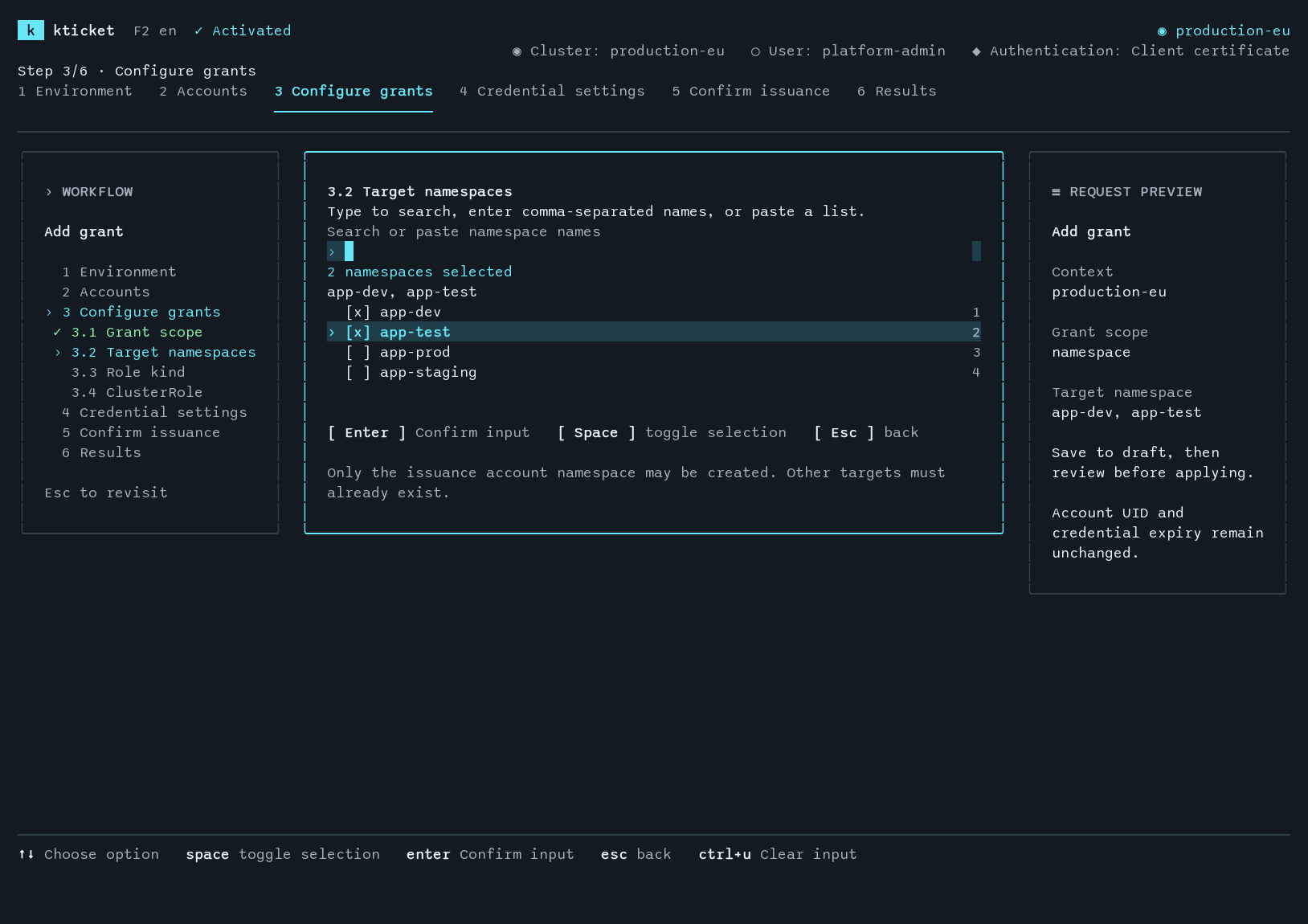
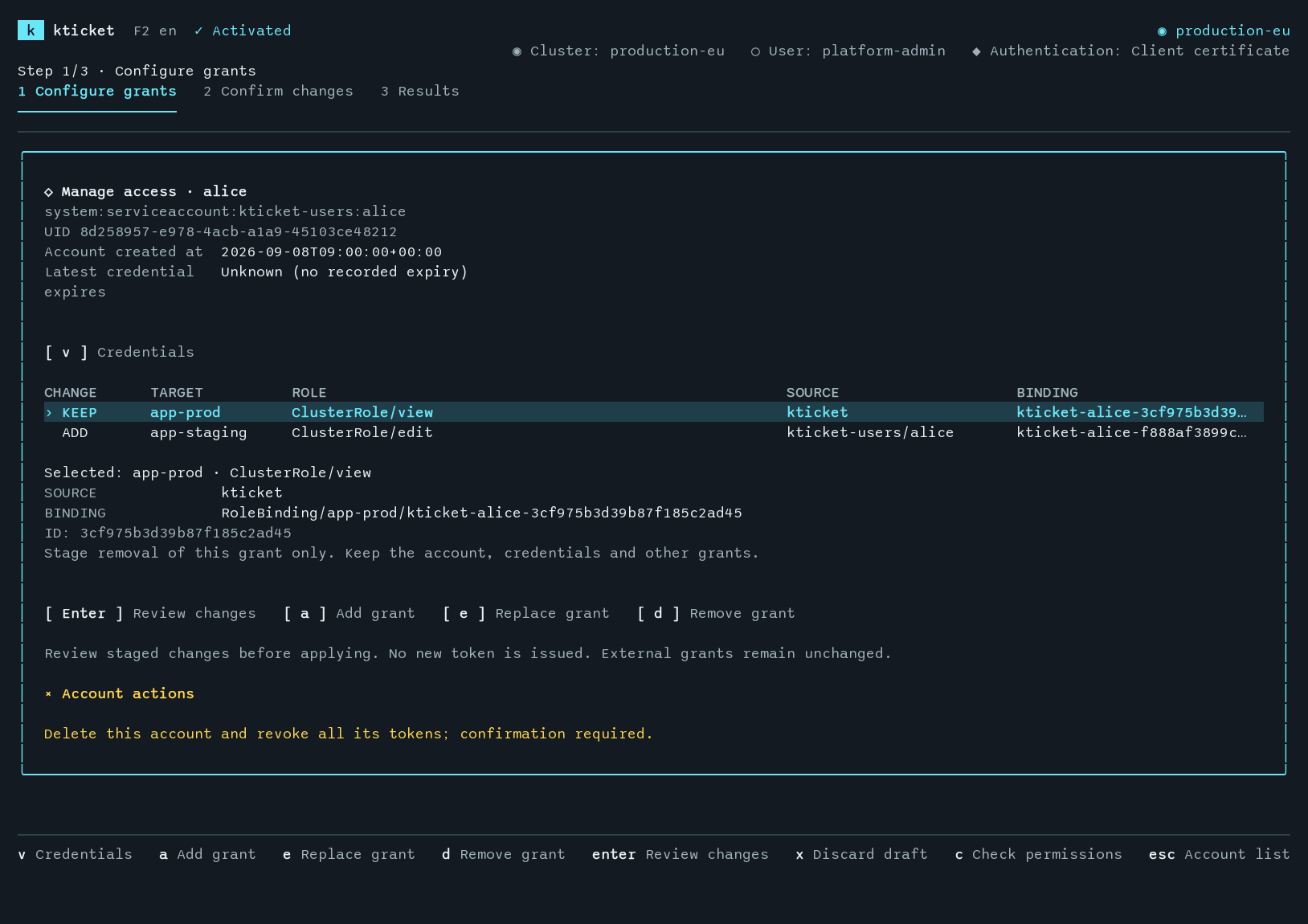
Accounts remain after credentials expire. Update grants without reissuing credentials; delete an account to invalidate all its tokens.
ACCOUNTServiceAccountRemains until deleted
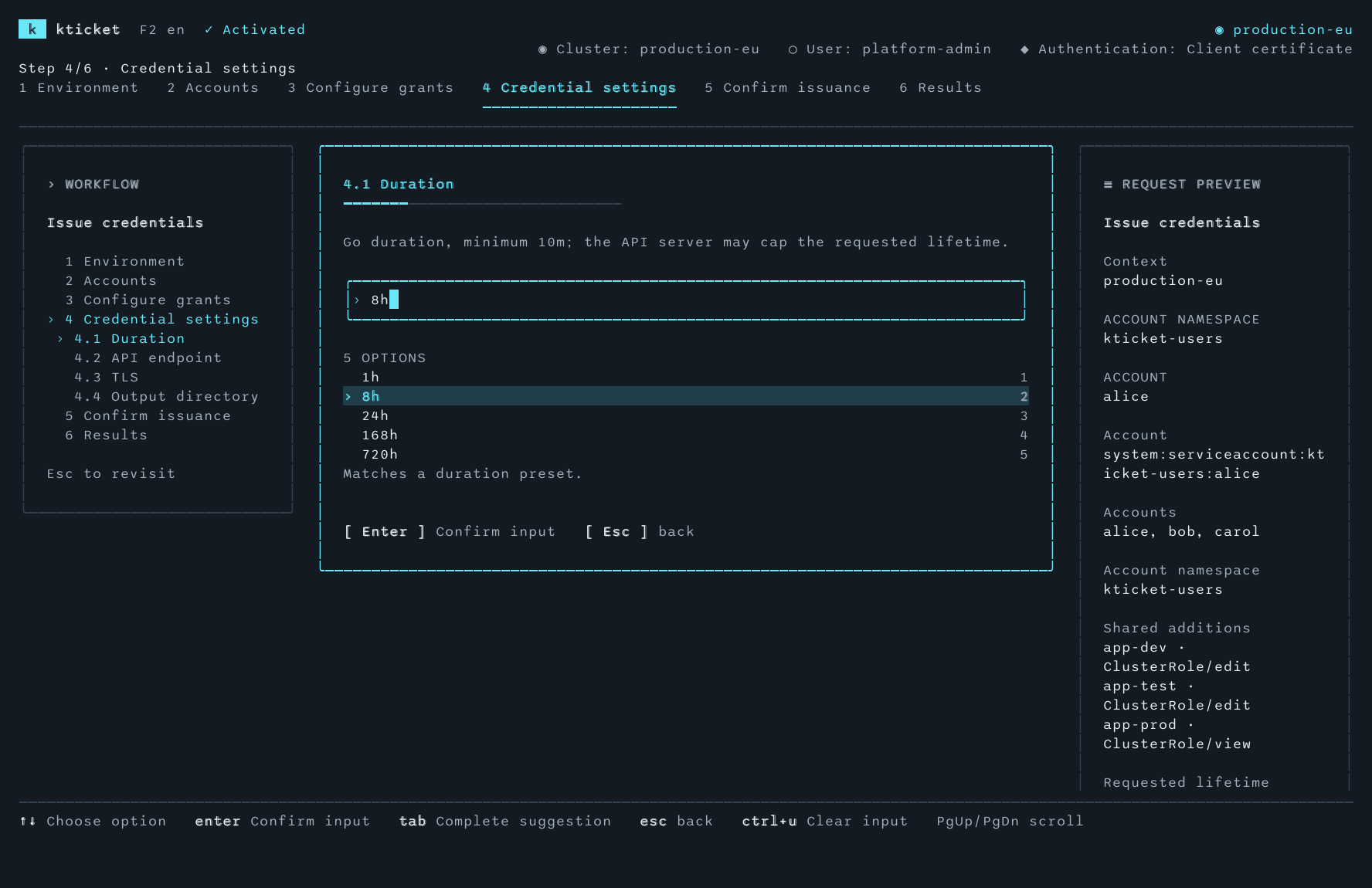
+CREDENTIALTokenRequestAPI server controls the actual lifetime
+GRANTSNative RBACUpdate without reissuing credentials
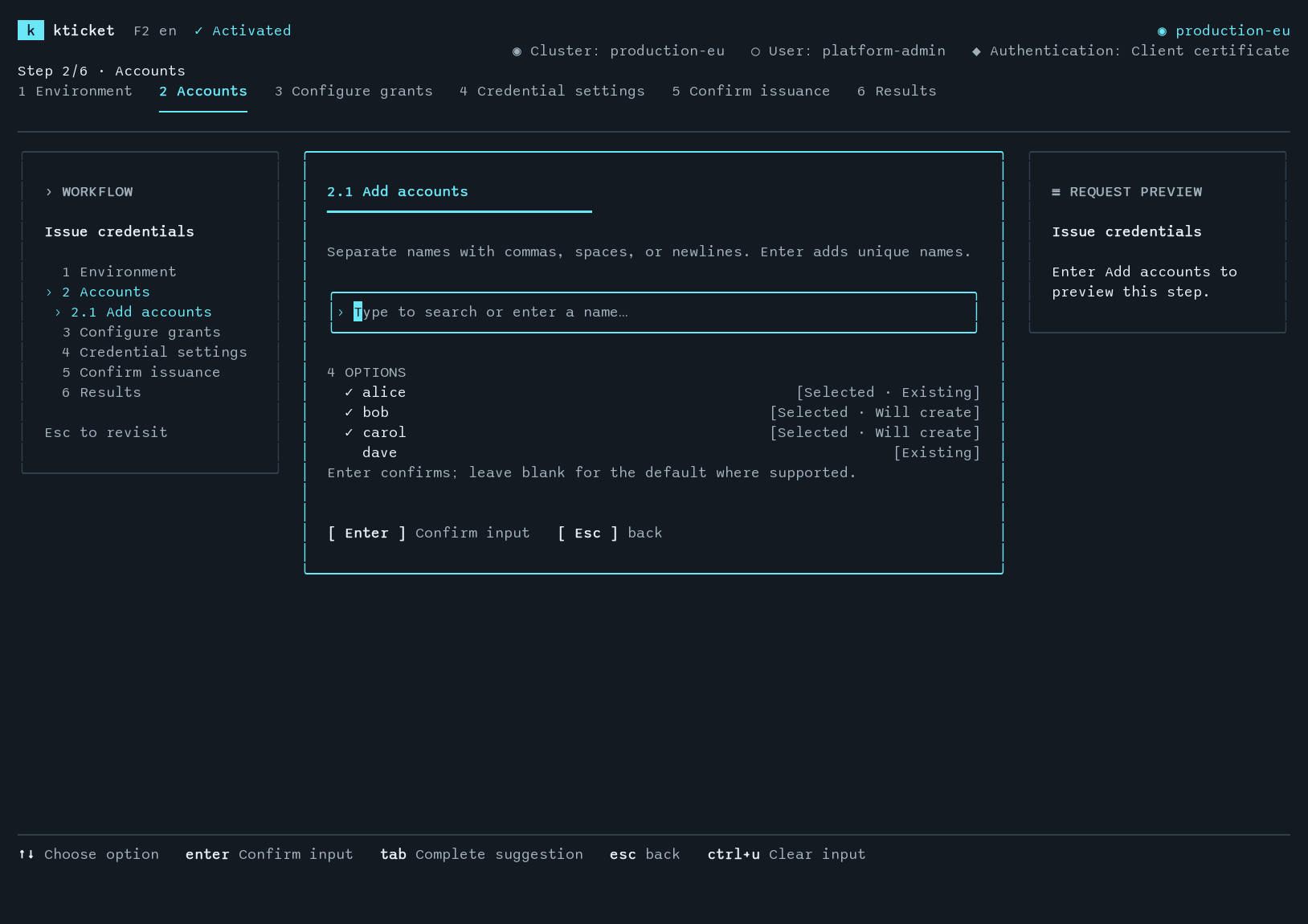
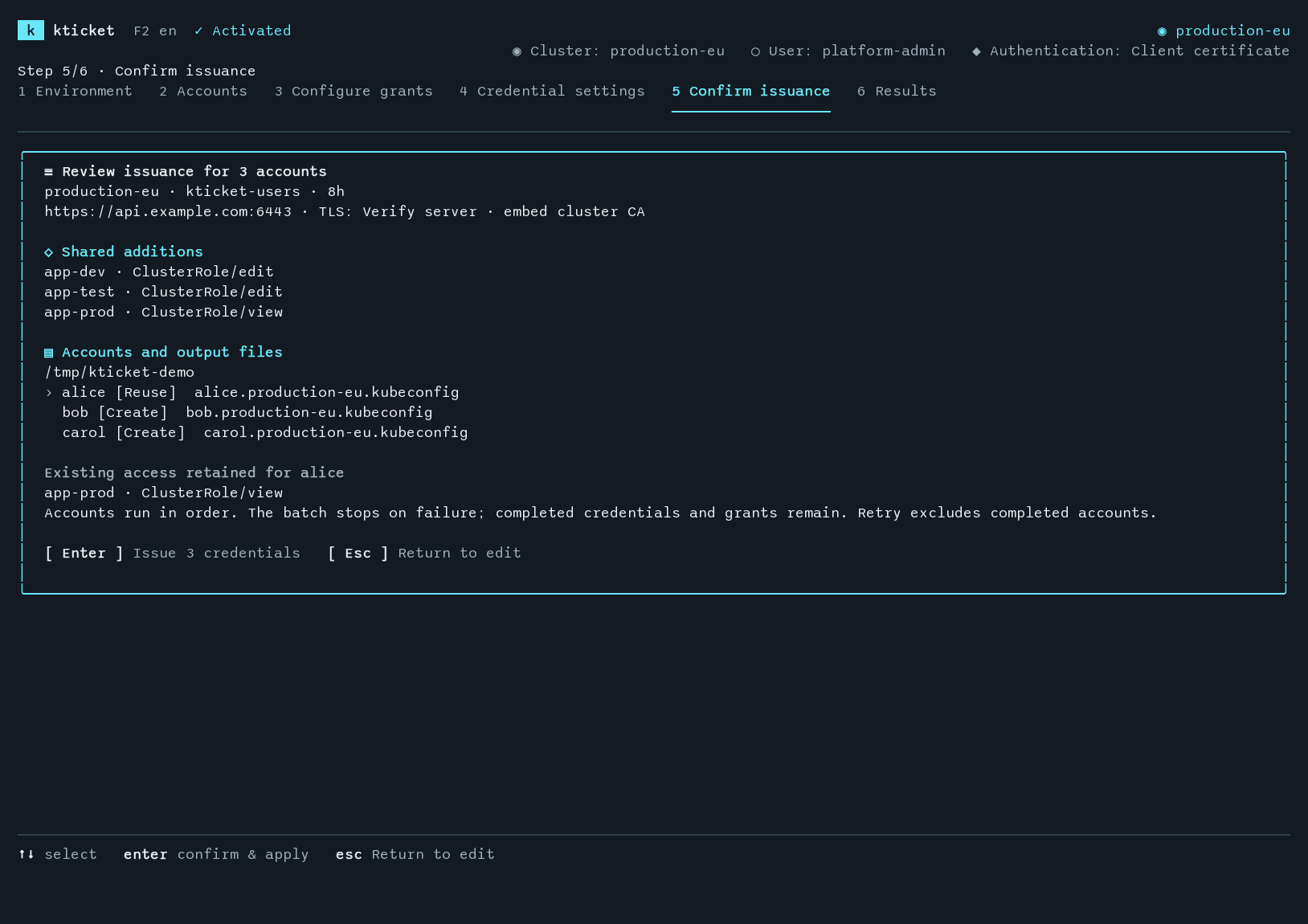
Account selection, issuance, and grant editing
Issue credentials and check access
Save credentials to a separate file
Tokens go only into 0600 kubeconfig files. Existing files and symbolic links are never overwritten.
admin.conf UNCHANGEDalice.kubeconfig 0600bob.kubeconfig 0600
Batch issuance
Set shared grants and duration; review output paths before issuing.
ABC+8
Check permissions
Check permissions with SubjectAccessReview.
get pods / app-prodALLOWED
Credential records
View issue and expiry times, token subjects, and available audit IDs.
credential-id
Terminal UI and CLI
Use the TUI interactively or the CLI in scripts. F2 switches the TUI language.
TUICLIF2 / English
Runs locally
kticket runs on your machine and uses your existing kubeconfig to work with the Kubernetes API. No additional service is required.
Your credentials stay local- Only connects to your Kubernetes API.
- No telemetry or online activation.
- Kubeconfig never leaves your machine.
How accounts and grants work ↗LOCALkticketsingle executable
KUBERNETES API
ServiceAccountaccountTokenRequestcredentialRoleBindinggrant
$2.99 for a perpetual license
Issue credentials and add grants with a perpetual license for one machine.
 kticket